Fully automatic cartoning equipment effectively saves manpower. It is a highly automated product and piece of equipment developed through scientific and technological advancement. This product is widely used in industries such as pharmaceuticals, food and beverage, and household chemicals. Using a cartoning machine can reduce material and labor costs for automatic packaging, which has significant economic importance. However, fully automatic cartoning machines will also experience some errors during daily operation. What are the common errors? How can these errors be resolved?
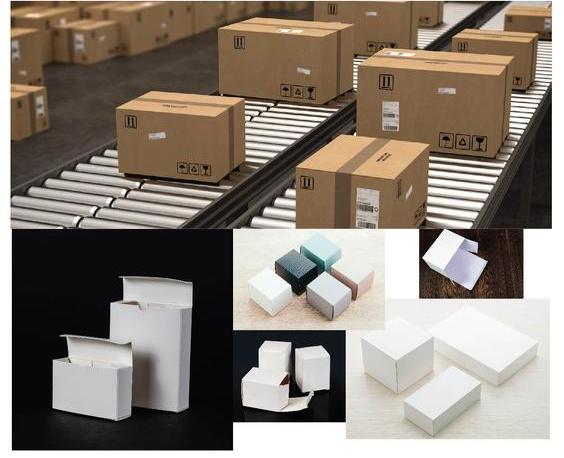
The carton is not sealed tightly.
This damage is usually caused by uneven layers in the carton; uneven sealing pressure; low sealing temperature, etc.
Problem-solving method:
(1) Remove the defective cardboard.
(2) Adjust the seal pressure.
(3) Increasing the temperature of the thermal seal.
Incorrect sealant
This error is usually caused by the hot melt glue machine being positioned incorrectly.
Problem-solving method: Readjust the position of the hot-melt glue machine.
Incorrect carton positioning that deviates too far from the center of the color mark, etc.
Cause: The position of the photoelectric switch (electric eye) is incorrect.
Troubleshooting method: Readjust the position of the photoelectric switch (electric eye).
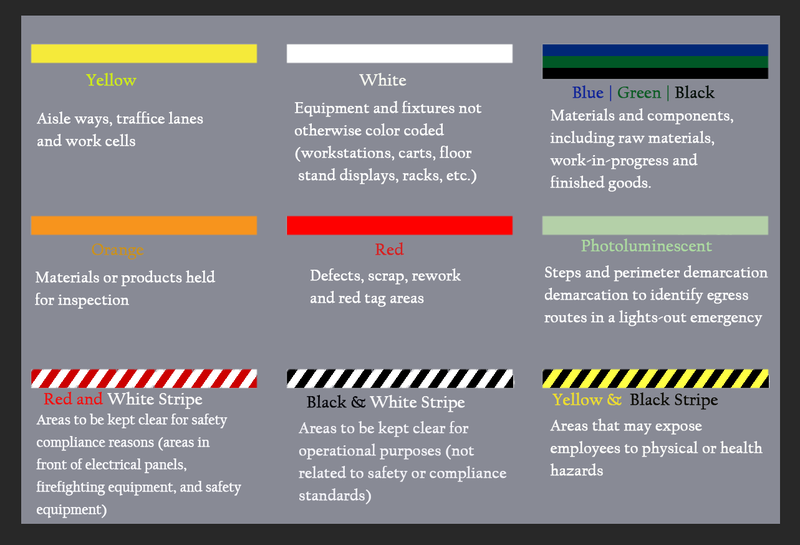
Positioning of color markers and compensation for photoelectric trackingout of control.
These malfunctions are usually caused by the carton encountering rough seams and edges; there are chips in the container, causing poor paper feeding; the carton jumps out of the photocell switch guide paper (electrical eye); the photocell switch light point (electrical eye) deviates from the color mark; the photocell switch sensitivity is weak, and the bright-and-dark movements are used incorrectly.
Problem-solving method:
(1) Remove the defective cartons.
(2) Clean the container to ensure smooth paper feeding.
(3) Insert the cardboard into the guide paper.
(4) Adjust the left and right positions of the guide paper so that the light point is centered on the colored mark.
(5) Replace the photoelectric switch and correctly select the light-dark motion switch.
The paper feeder motor does not spin or keeps spinning.
This error is usually caused by a jammed paper feed control lever; a faulty paper feed distance switch; a damaged starting capacitor; or a blown fuse.
Problem-solving method:
(1) Solve the root cause of the jam.
(2) Replace the paper feed proximity switch. (3) Replace the starting capacitor.
(4) Replace the fuse.
Cardboard not pulled (the cardboard puller motor is not running).
These failures are usually caused by circuit damage; cardboard attracting damage to nearby switches; faults in the automatic carton machine controller; damage to the stepper motor driver, etc.
Problem-solving method:
(1) Check the circuit and troubleshoot the problem.
(2) Replace the bag-distance switch.
(3) Replace the automatic carton machine guard.
(4) Replace the stepper motor driver
The above Mag editor briefly introduces basic malfunctions and solutions for fully automatic carton machines. We at LTC PACK are a professional manufacturer of packaging equipment. If you are interested in our company, you can contact us. We look forward to your call.







 English
  Malay
Malay